

Accessing documents
Some users may have experienced a Request has expired error when accessing the same document multiple times. We’ve fixed this issue.Fix
Some users may have experienced aRequest has expired error when accessing the same document multiple times. We’ve fixed this issue.Payment tracking for expense reports
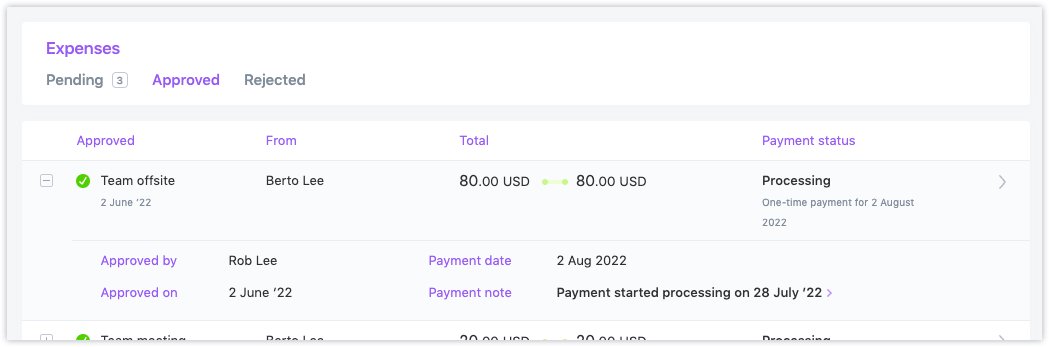
Administrators and managers can now see much more detail about the payment status of contractor expense reports in Approved tab of the Expenses page.Improvement
- If the contractor is associated with a pay schedule, the payroll run that will process the reimbursement will be displayed
- Admins will see when reimbursements can be processed using one-time payments
- If the payment has already been initiated, a status of
Scheduled,Processing,Paid, orFailedwill be displayed - Every expense row in the Approved tab can now be expanded to show details of the expense, including the approver and approval date
- The pay date will be provided along with payroll run details when applicable
- If an expense has been approved but not paid, an alert will show for that expense, as a prompt for you to schedule a payment for it.
- Marking the expense as paid because another payment was already made for it
- Adding it to the next upcoming payroll run (if the affected user is assigned to a pay schedule)
-
Paying the user with a one-time payment using the Pay Contractors page
Contract addendums
When an additional document is attached to a contract, it is now visible to contractors when they preview the contract for signature.Improvement
Previously, the additional document was only visible to Pilot admins and managers. This improvement is useful when the additional document is used as a contract addendum.Expenses reimbursed via a pay schedule
We fixed a specific issue caused when contractor expenses were automatically included in pay schedules. Under certain conditions, an expense was linked to the next payroll run but not paid.Fix
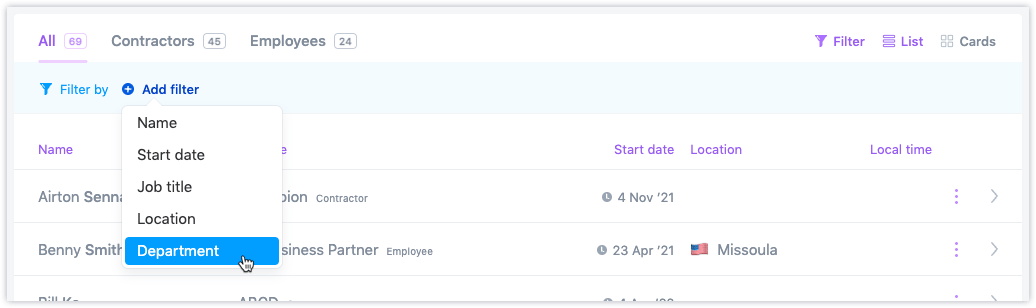
Filter by department
You can now filter by Department on the People page, to make it easier to manage contractors and employees in larger organizations.Improvement
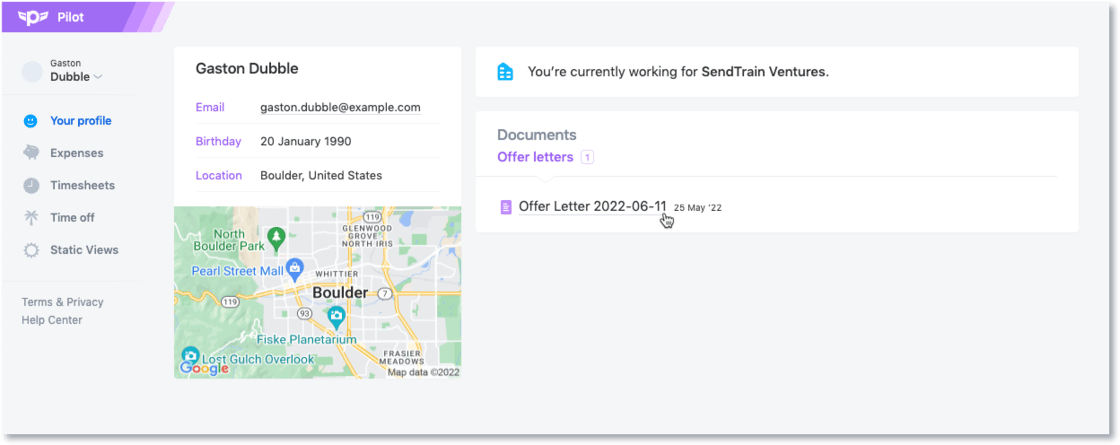
Offer letter documents
After an offer letter has been accepted during the employee hiring process, it is added as a PDF document. This is accessible to employees in addition to admins and managers.Improvement
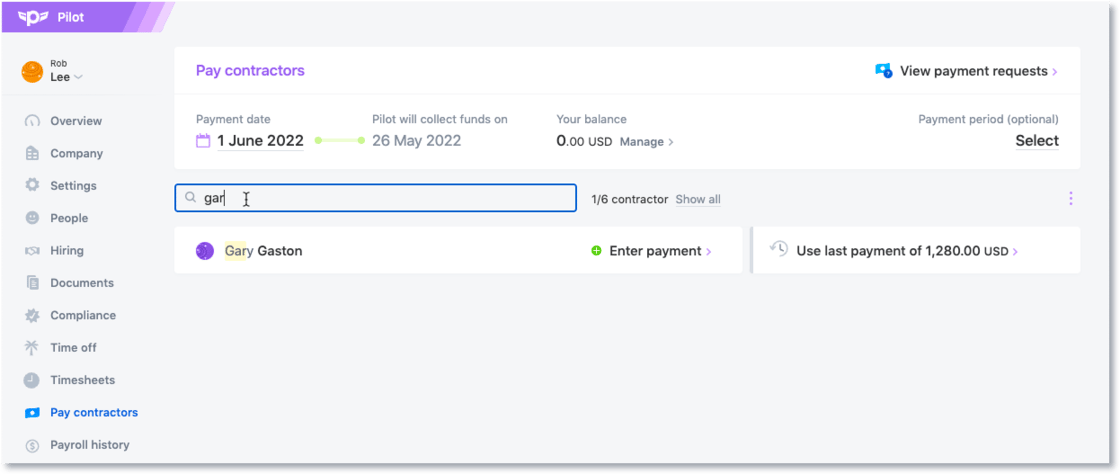
Pay Contractors search filter
You can now filter contractors on the Pay Contractors page by name or job role.Improvement
April 2022 update
Fixed a bug connected to timesheets not rendering correctly for users in Pilot Classic.Fix
- Fixed a bug connected to timesheets not rendering correctly for users in Pilot Classic.
- Made the payroll report faster for users who experienced slowdowns when visiting the page.
- Added a couple of quality-of-life improvements to our Time Off feature focused on withdrawing and copying requests more easily.
- Approved time-off requests can now only be archived after they end.
- Fixed a bug that broke filtering by contractor name in the contractor payments report.
- Restored departments for users who reported they disappeared from worker profiles.
- Improved performance across the board.
- Fixed an error causing some customers to be unable to access payroll reports.
- Fixed a bug causing paystubs to display wrong currencies.
- Managers are no longer notified about pending tasks for archived employees.
- Fixed an issue that prevented approved expenses from being included as part of a contractor payment