

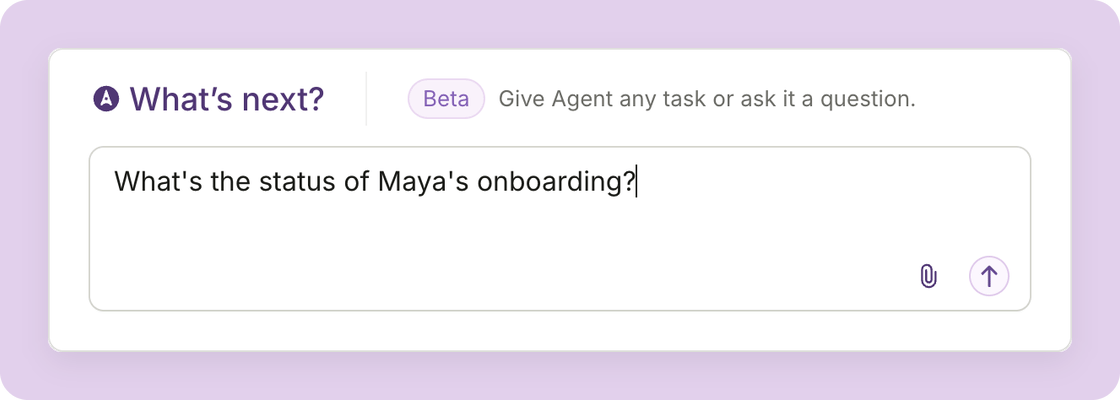
One click from your records
Team members, payrolls, tax forms, and projects now offer ready-made prompts. Look for the Plane Agent icon to explain late or short payments, compare a payroll item to the last pay period, or summarize a contract. You can edit the prompt before you send it.Get more detailed answers
- Follow onboarding: ask where a new hire’s onboarding stands, which tasks are open or overdue, and who needs to act.
- Ask what’s in a document: Plane Agent now reads a team member’s documents, so you can ask about what they say, not just whether they exist.
- Check contract terms: ask about a team member’s contracts, their terms, status, and who has signed.
Other improvements
- See its reasoning: follow what the Agent is doing as it works. It folds away beside the answer when it’s done.
- Stop a reply: press Stop while the Agent is working.
- Manage its settings: Plane Agent has its own settings page, under Workspace > Agent in settings.
For builders and developers
The AI apps you connect to Plane through MCP can now follow onboarding and read contracts, too.- Onboarding progress: list a team member’s projects, and get each project’s tasks with their status, due date, and who needs to act.
- Contracts: list a team member’s contracts with their terms, status, and signatures.