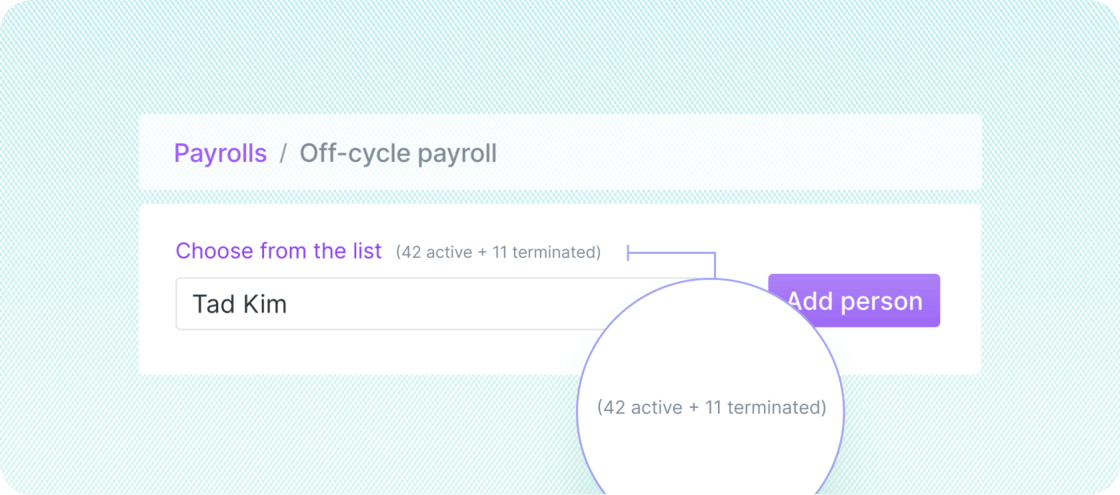
Process final paychecks after termination In the Off-cycle payroll page, select team members from the dropdown list to add them to the off-cycle payroll. All team members, including terminated workers, are available for selection in the list by default; you can exclude terminated individuals from the list by using the “Exclude terminated people” filter. To include them again, use the “Include terminated people” filter. This feature is available for terminated contractors and US (W-2) employees.

Other improvements and fixes

  • Contractors must now provide an address before signing a contract, resolving a previous error caused by a missing address
  • We fixed an issue that prevented recurring reimbursements from displaying on team member profiles
  • Employee names and YTD totals now display properly on payroll earnings statements, and information on the bottom-right corner is no longer cut off