

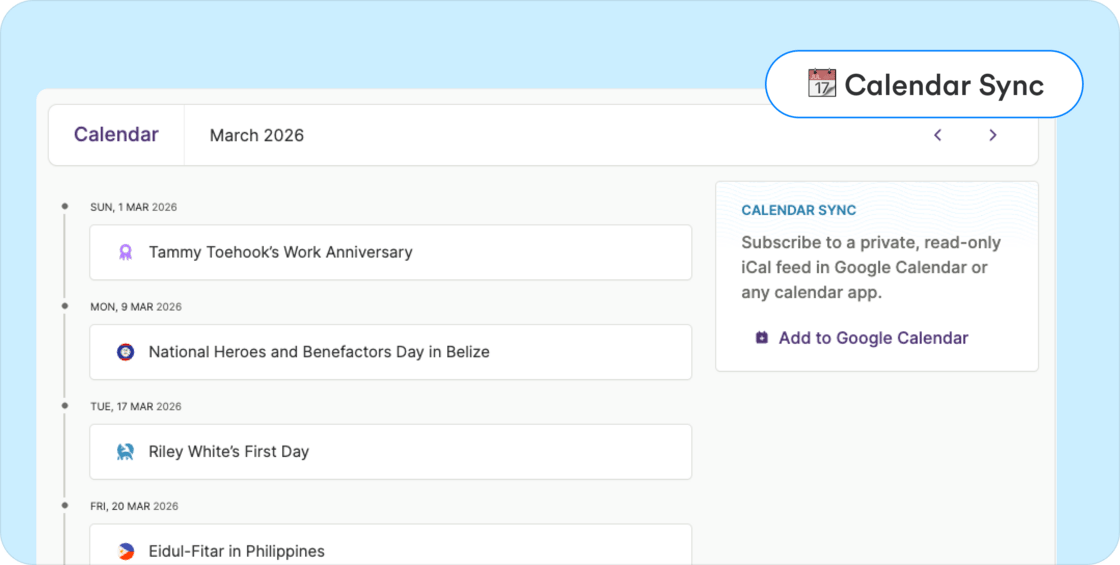
- Events stay in sync automatically when they are added or updated in Plane.
- The calendar feed can also be used with Apple Calendar, Outlook, or any calendar that supports the iCal format.
To use this feature
- Go to Calendar > Calendar and click Add to Google Calendar to subscribe
- Or copy your private calendar link and add it as a subscription in your preferred calendar app.
Other improvements and fixes
- PTO payout earning type: You can now add PTO payout as a separate earning type instead of using allowances. PTO payouts are taxed as regular earnings and appear in payroll like other earnings. If you’re using Plane’s accounting automation with QuickBooks, PTO payouts can be mapped to a separate GL account.
- Benefit end dates align with pay periods: Fixed an issue that could prevent adding end dates to certain benefits and cause dates to appear outside pay period boundaries. Benefits now align correctly with payroll periods and sync reliably.
- Payroll item amounts stay aligned: Fixed an issue where long tax, deduction, or benefit names could wrap to multiple lines and cause the amount column to appear misaligned in the payroll item view.