

New
Changes to Form I-9 as of November 1, 2023
Plane has updated our Form I-9 features and process to reflect the latest changes required by U.S. Citizenship and Immigration Services and the Department of Homeland Security.Uploading acceptable documents
You can now upload acceptable documents (i.e., documents establishing identity and authorization to work) as part of the I-9 verification process in Plane.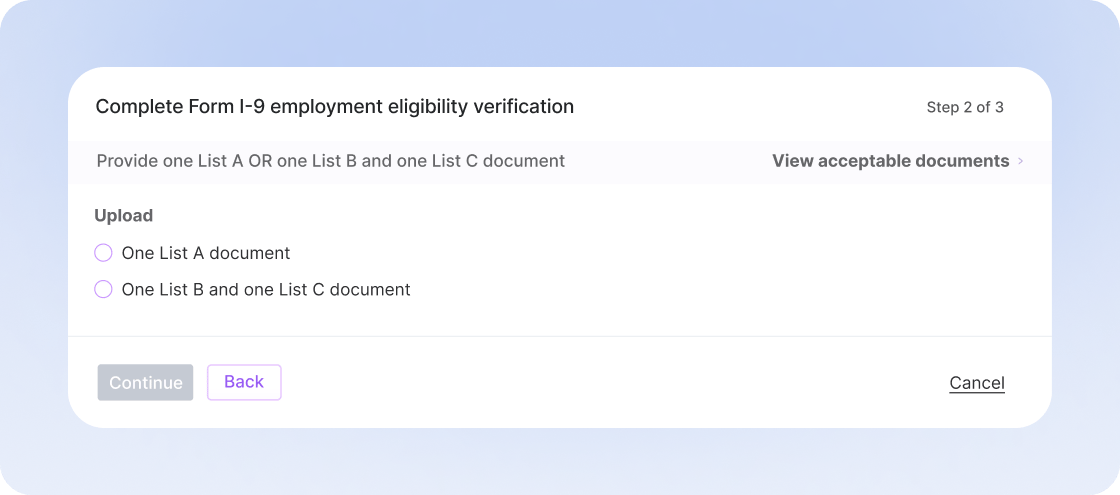
Deleting and adding a new Form I-9
In addition, you can now delete an existing Form I-9 and add a new Form I-9 for an employee, or request a Form I-9 at any time if the need arises.Other Improvements and Fixes
- You can now assign a work location to US employees, choosing “work from home” if they work at home, or “another location,” such as an office location. You can add new locations or choose from a list of existing locations. If you add a new location where you have not yet completed the tax setup (i.e., state tax registration), we’ll flag this for you.