Improvement
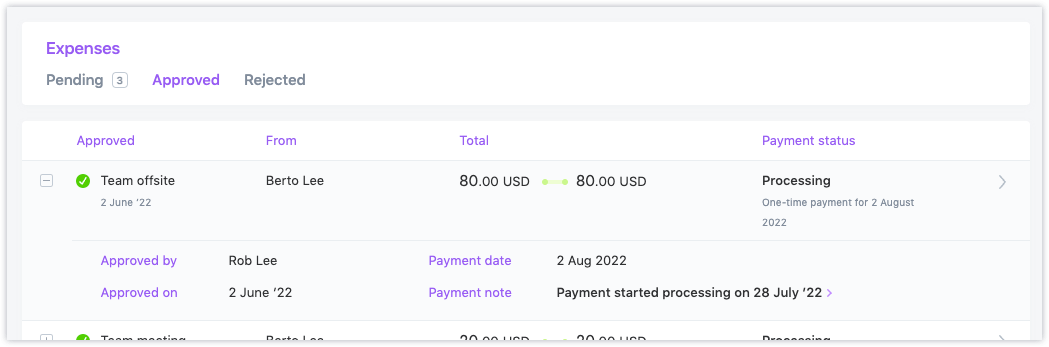
- If the contractor is associated with a pay schedule, the payroll run that will process the reimbursement will be displayed
- Admins will see when reimbursements can be processed using one-time payments
- If the payment has already been initiated, a status of
Scheduled,Processing,Paid, orFailedwill be displayed - Every expense row in the Approved tab can now be expanded to show details of the expense, including the approver and approval date
- The pay date will be provided along with payroll run details when applicable
- If an expense has been approved but not paid, an alert will show for that expense, as a prompt for you to schedule a payment for it.
- Marking the expense as paid because another payment was already made for it
- Adding it to the next upcoming payroll run (if the affected user is assigned to a pay schedule)
- Paying the user with a one-time payment using the Pay Contractors page