Team member profile: Improvements to compensation changes
Note: This change applies to the new team member profile for customers with access to the latest Unified Payroll and HRIS features.Improvement
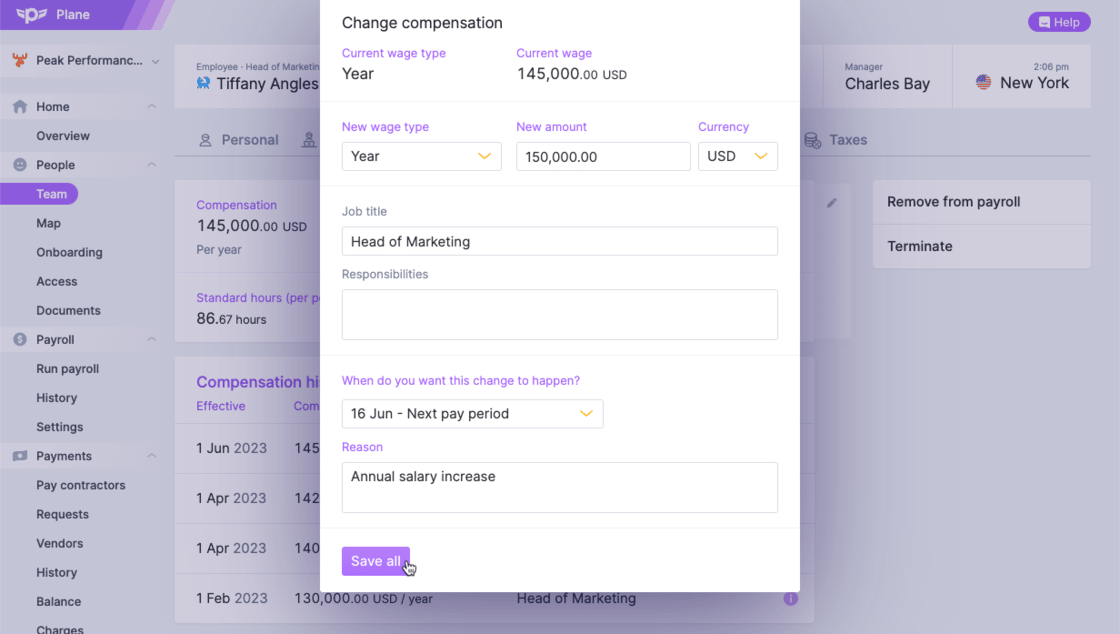
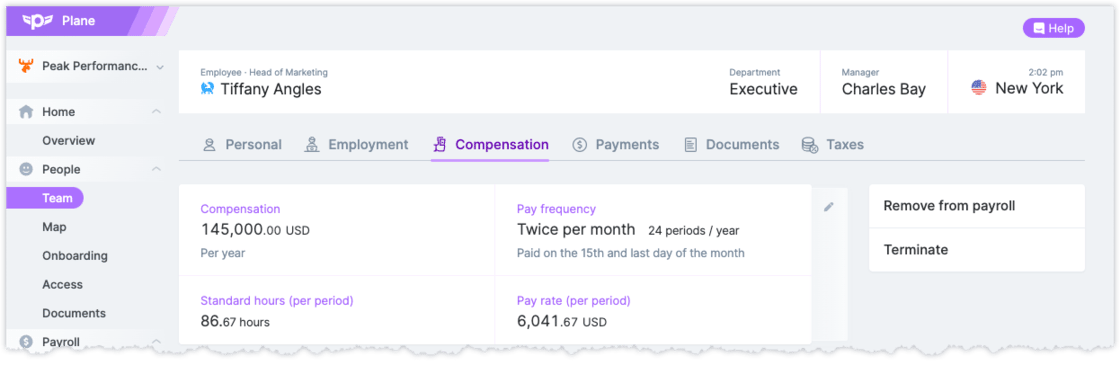
Note: This change applies to the new team member profile for customers with access to the latest Unified Payroll and HRIS features.You can now make compensation changes for future or past dates.- Admins are presented with a set of options for when the change should take effect to align it with upcoming pay periods, and they can also choose their own date
-
Future compensation changes are immediately reflected in upcoming payroll
Unified HRIS: New contractor onboarding
Note: This change applies to customers with access to the latest Unified Payroll and HRIS features.New
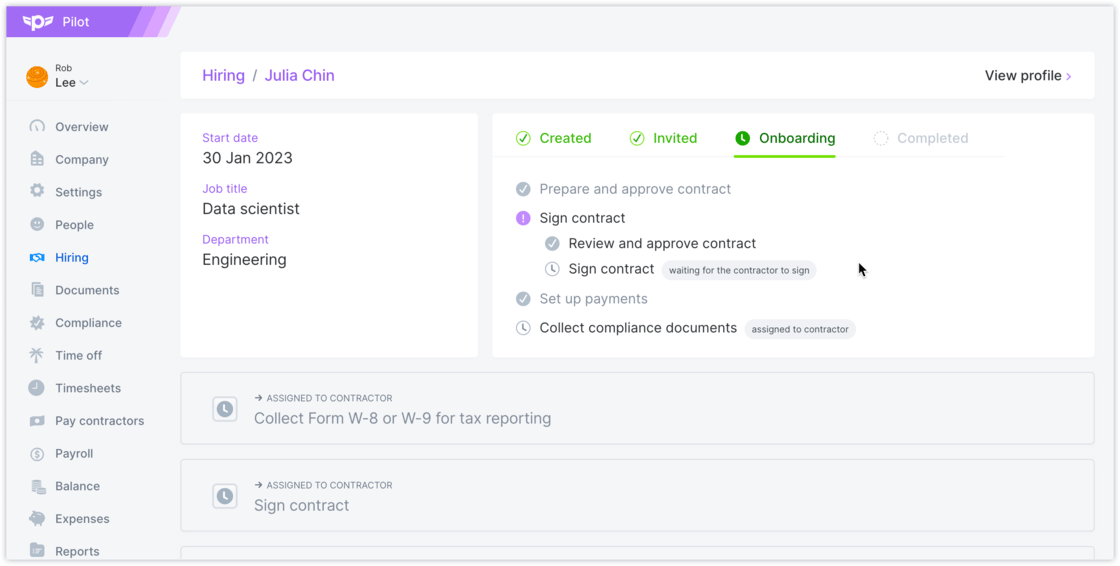
We released a major update to contractor onboarding.- Contractor onboarding has been standardized to be more consistent with US and international employee onboarding
- The collection of W-8 / W-9 forms for compliance is integrated into onboarding. Previously this was managed after onboarding.
- Admins have more flexibility to decide which onboarding tasks should be completed by themselves and which ones should be assigned to contractors
Payment request improvements
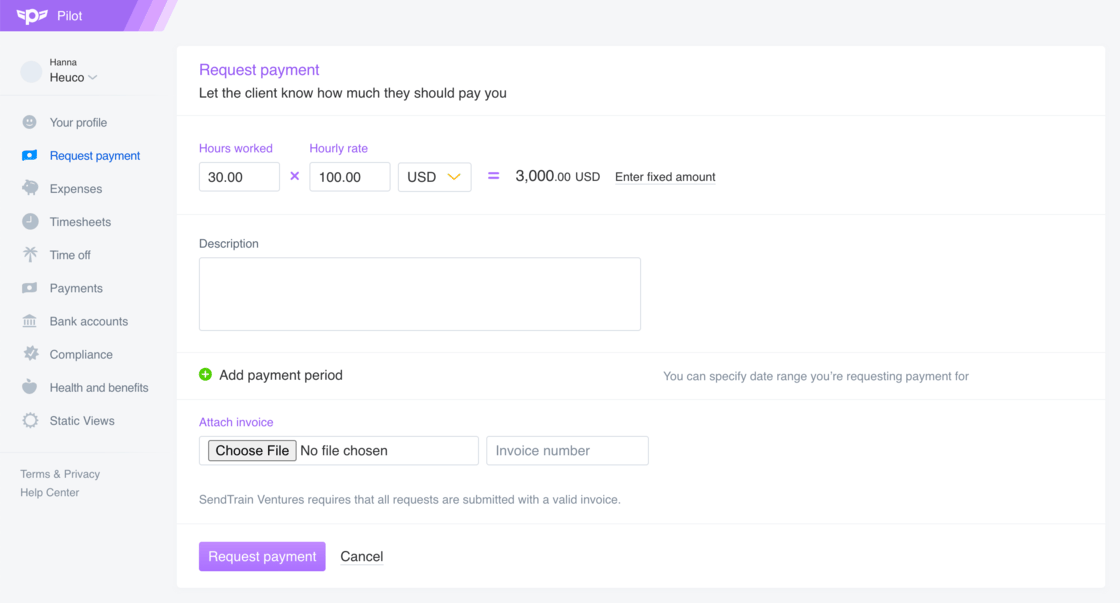
We made several improvements related to payment requests.Improvement
- Contractors with an hourly rate can enter hours directly on the payment request or enter a fixed amount
-
An invoice number can now be entered in addition to attaching an invoice document. Both are required if the organization has a policy to require invoices
Improved performance when making a contractor payment
Scheduling contractor payments should now feel pretty snappy. We made performance optimizations so that when administrators click ‘Send payment’, they receive confirmation of their scheduled payments instantly.Improvement
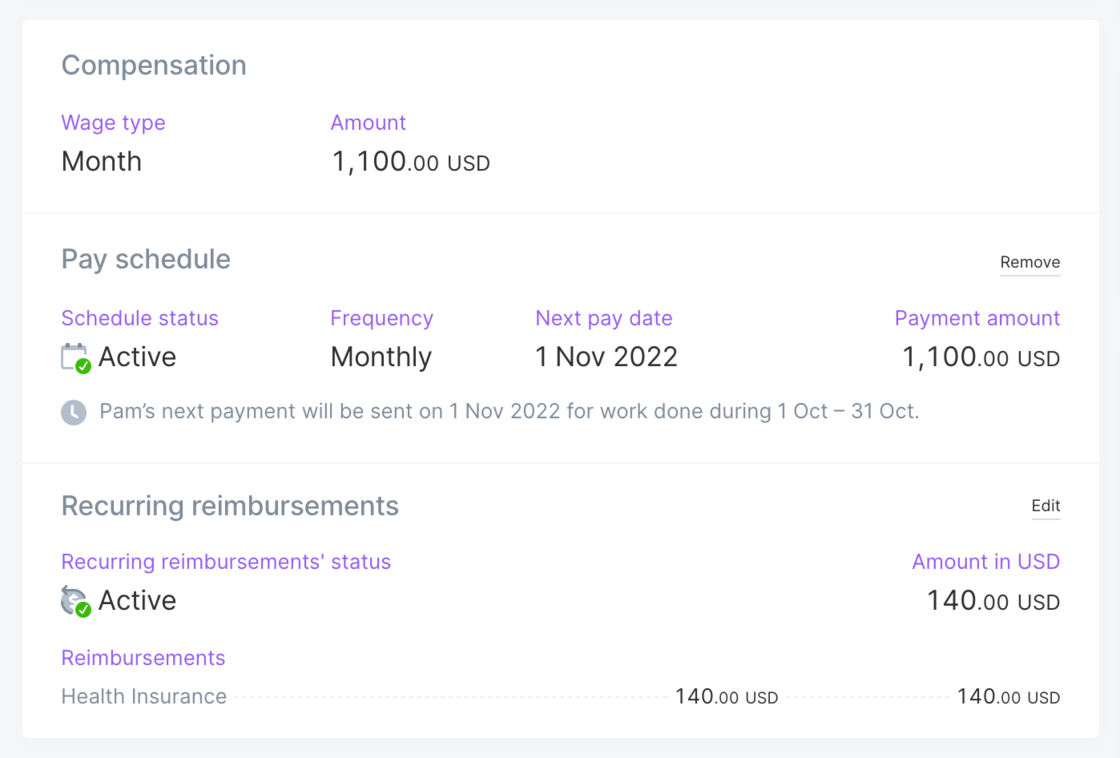
Improved display of recurring contractor payments
The compensation section of a contractor’s profile was updated to improve the way we display recurring contractor payments. We added details of the pay period and made it easier to see the pay frequency.Improvement
More helpful navigation when accessing Pilot
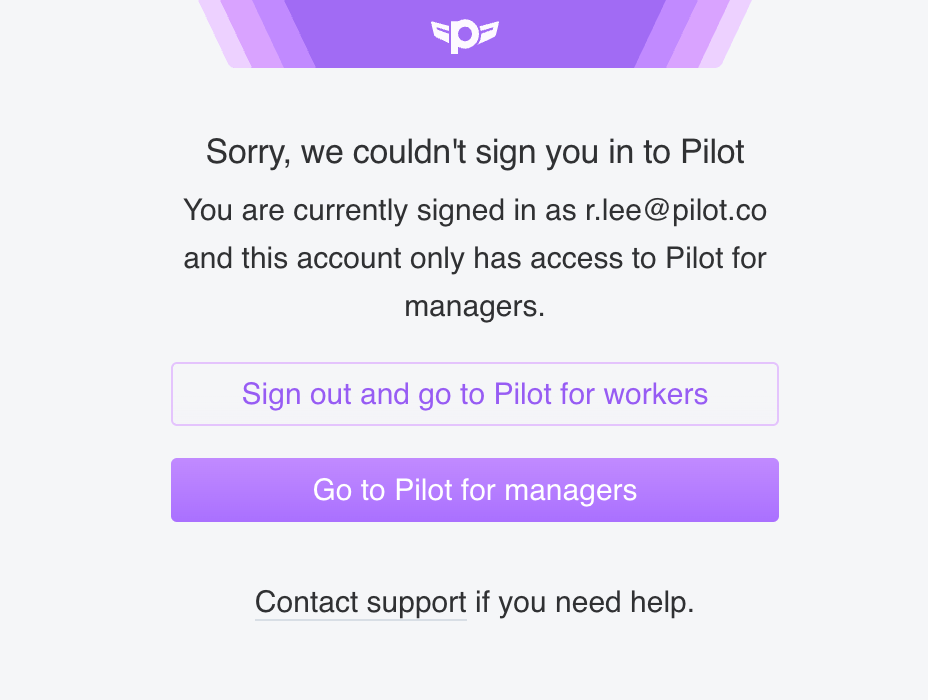
Sometimes users with multiple Pilot accounts attempt to access a page they can’t access while logged in with their current account.Improvement
Hire Calculator
Get an instant estimate of how much it will cost to hire your next employee with Pilot’s new Hire Calculator.New
The Hire Calculator is a free tool that lets you select the country and salary — annual or monthly — for your next new employee. You can choose to view amounts in USD or in your new hire’s local currency. The calculator will show you the estimated annual cost of employment, with a breakdown of monthly and annual salary and taxes.To send the calculator results to other team members, just click the link button to generate a shareable link.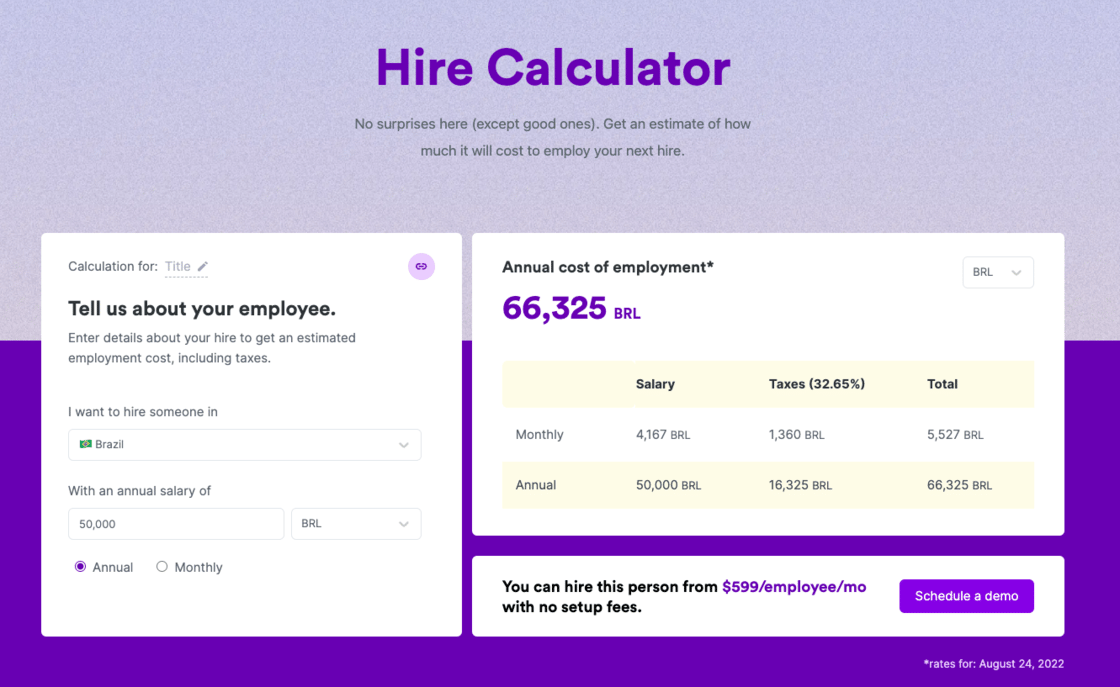
Expense details in contractor earning statements
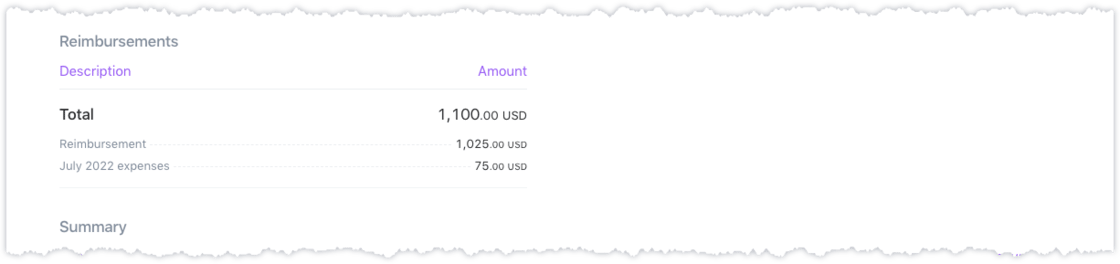
The reimbursements section in contractor earnings statements now includes an itemized breakdown of expense reports.Improvement
Expense reports are identified by name, and the label “Reimbursement” is used for reimbursements that are paid without an associated expense report.