

Introducing accounting automation
We just released Plane’s accounting automation, which streamlines your month-end close for all financial transactions from Plane.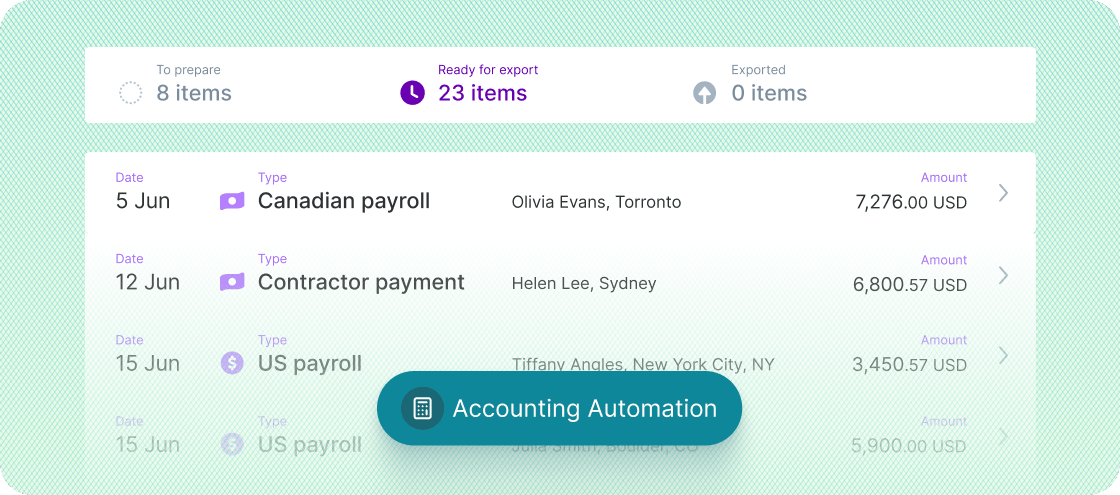
Learn more
Other improvements and fixes
- US employees who were removed from payroll can be re-added
- We fixed an issue that caused some expense reports to be excluded from payroll
Improved compensation history
Compensation history now shows more detailed information. In addition to showing when a compensation went into effect or is scheduled to go into effect, we now display the date the change was added and by whom.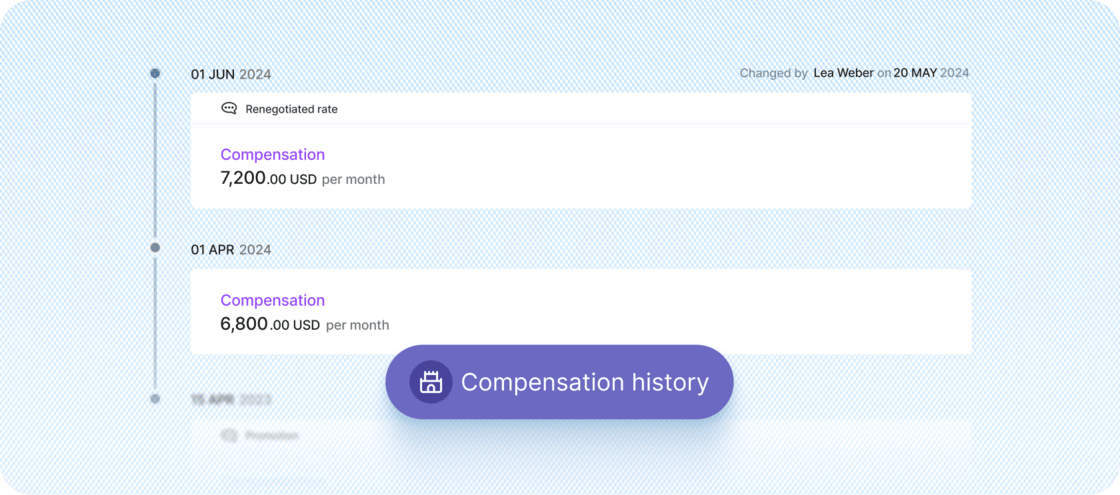
Other improvements and fixes
- Compensation changes will never override manual payroll adjustments to regular earnings. When applicable, admins now see a message telling them which manually edited pay periods won’t be affected by a compensation change.
- A person’s initial compensation is always aligned to their start date in the platform. If their start date changes, their initial compensation also shifts to the new start date.
- We restored the ability for admins to change the approval setting (manual or auto) on pay schedules
- The Run payroll page loads faster
- We fixed a defect that created duplicate payroll items for some people
- We resolved the issues causing an error when viewing Payroll history for international employees
New system supporting complex payroll calculations
We implemented an entirely new system under the hood to manage payroll earnings calculations.This change also improves usability. When several adjustments impact someone’s pay, each change is now clearly outlined on the payroll item, making it easy to understand.Unpaid time off reduces payroll earnings
This is the first enhancement built using the revamped system. The regular earnings for employees and contractors on payroll are now automatically reduced when their unpaid time-off requests are approved. When unpaid time off spans more than one pay period, regular earnings are reduced appropriately in each pay period. Learn more.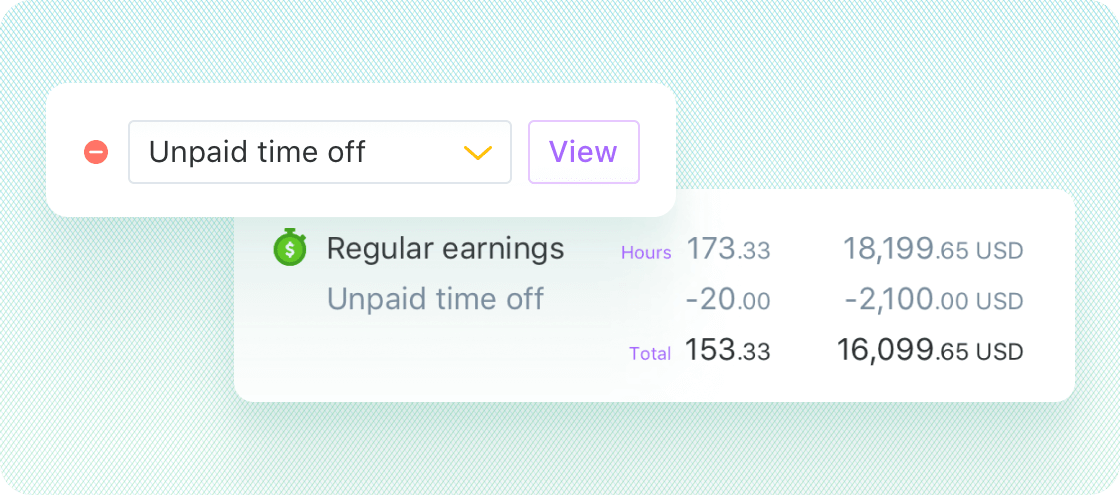
Shortcut to open additional Plane company accounts
Plane customers can now open a new company account from the profile menu, directly in the platform, without having to contact Plane Support.The new account application pulls information from their existing profile and only requires the name of the company to get started.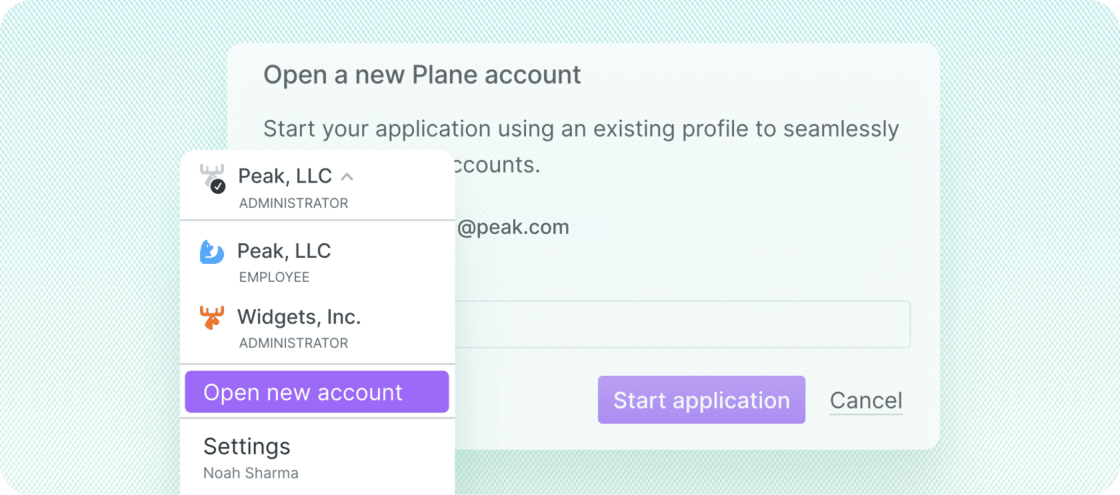
Other improvements and fixes
- W-2 employees who change their default bank account are now paid in the correct default bank account. Bank account changes must be made before payroll starts processing to be applied to the current paycheck.
- We fixed an issue that prevented some admins from making payroll changes in USD
Improvements and fixes
This update includes several improvements and fixes:- Business name is now optional in contractor onboarding
Termination datewas added to the People report- Corrected W-2s now display properly under Taxes > Tax documents
- We fixed an issue that prevented an off-cycle payroll from processing when its pay period matched a regular payroll
- We fixed an incorrect link for the Payroll Journal report
- We fixed an issue that incorrectly displayed “Plane is collecting compliance documents”
Unified Payroll migration completed
We finished migrating all customers to the new Unified Payroll experience, which enables you to run payroll for US (W-2) employees, international employees, and contractors worldwide, all in the same platform.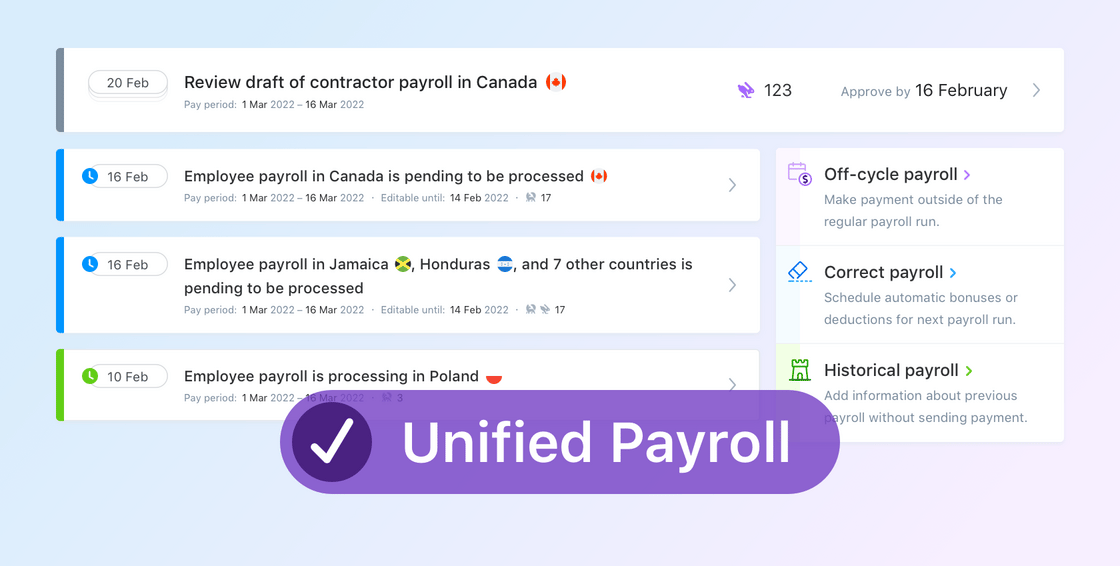
- Pay dates account for bank holidays in different countries and are adjusted to avoid delays related to the holidays
- Payroll charges for contractors are always made four business days before the pay date, to help make cash flow more predictable
- You can continue to make changes to payroll until the approval deadline
- You can view payroll items collectively by pay period, pay date, and country
Other notes on Unified Payroll
- The old experience will be retired and will not be visible after the final recurring payments are paid
- Vendors are not supported in the Unified Payroll experience, but you can convert them to contractors if you wish to add them to payroll. Check out our help article for more details.
- To learn more about the Unified Payroll migration, see our help article here
Faster performance when paying contractors
A performance improvement was made to Pay contractors to speed up page loading. This means that, if you use Plane to pay hundreds of contractors in batch, you’ll get noticeably faster performance.A performance improvement was made to Pay contractors to speed up page loading. This means that, if you use Plane to pay hundreds of contractors in batch, you’ll get noticeably faster performance.
Other improvements and fixes
- The Onboarding page loads faster and no longer displays cancelled onboardings
- We fixed an issue that prevented some Form W-2s and 1099-NECs from displaying on Taxes > Tax documents
Convert vendors to contractors
We added the ability to convert a vendor to a contractor. This is useful when you want to treat the vendor like a team member or if you’d prefer to use contractor features for a vendor, instead of using the streamlined…Please see these related help articles for more info: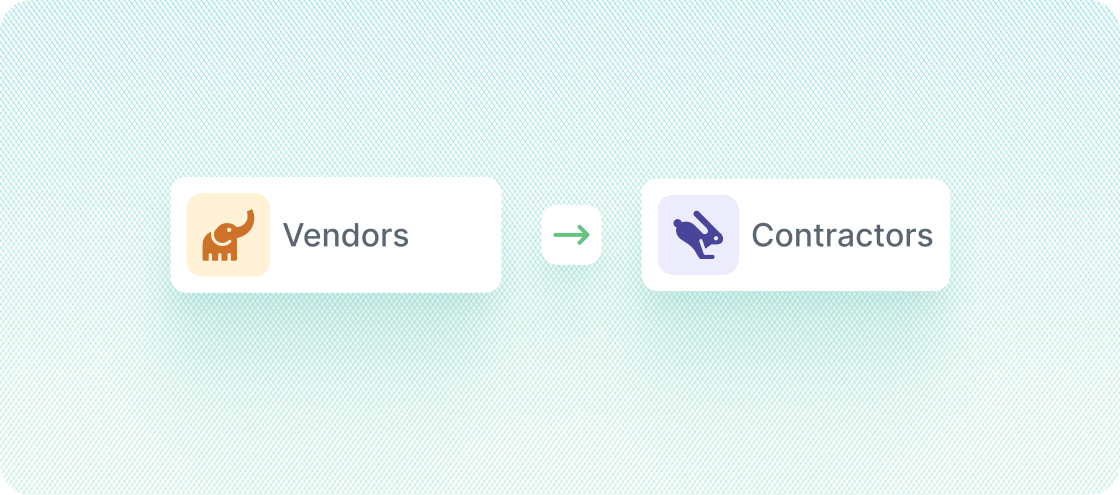
Other improvements and fixes
- When a US employee is added before US payroll has been enabled for your organization, the onboarding for the employee will be paused until it has been enabled
- When compensation is set for international employees, it will now always default to the local currency. Some countries were defaulting incorrectly to USD.
- We fixed a defect related to work location changes for US employees, in which some changes did not get applied to payroll immediately