

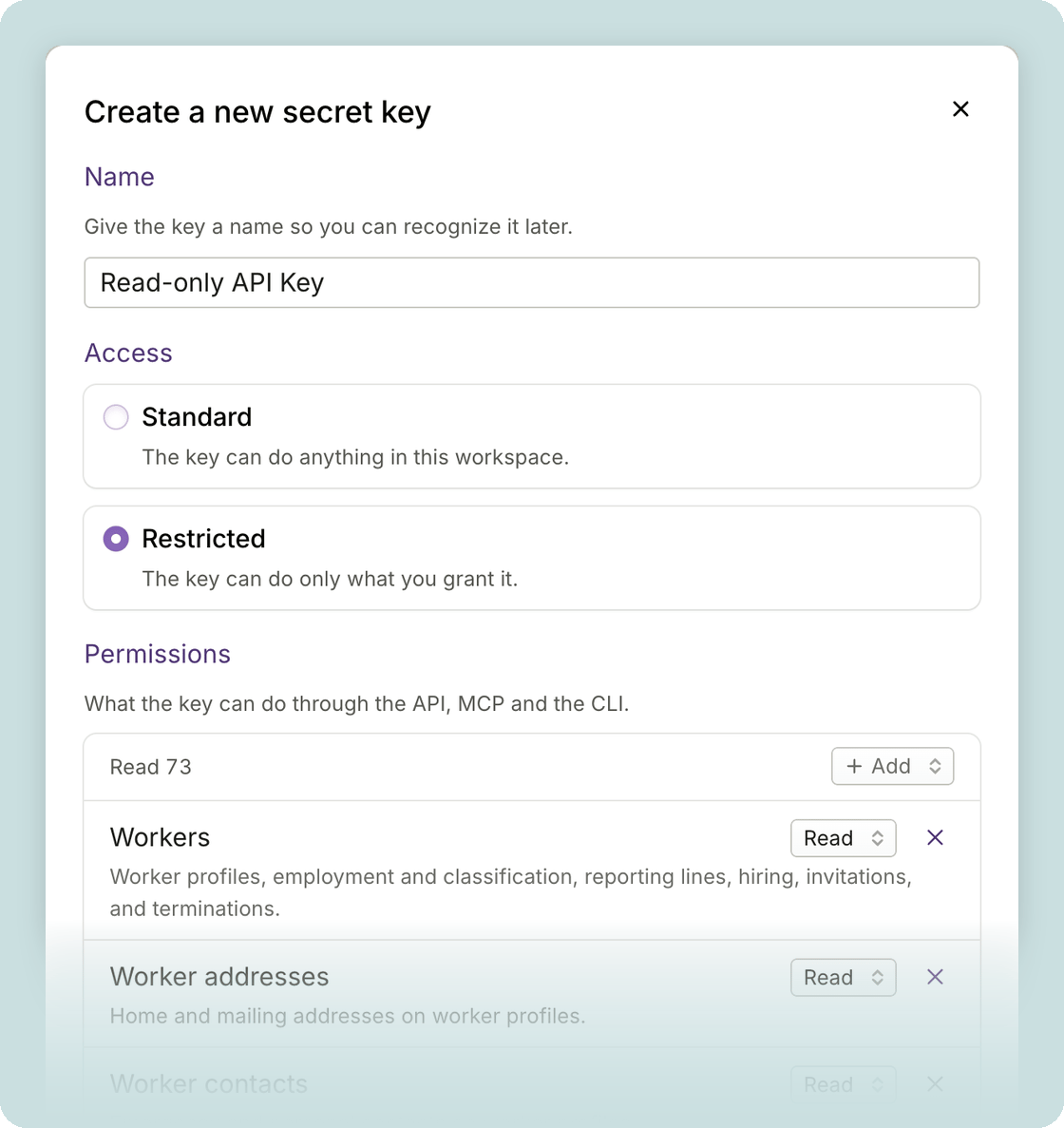
Restrict, rotate, and revoke keys
- Choose standard or restricted access: when you create a key in Developers > API keys, pick Standard to give all permissions available to an API key, or Restricted to grant only the permissions you select.
- Existing keys stay as they are: every key you already have is Standard. Edit one to restrict it, and the change applies the next time the key is used.
- Replace a key on your schedule: Rotate creates a new key with the same name and settings, and you choose when the old one stops working, so you can switch your integrations over first.
- Turn off a key immediately: Revoke stops a key from working right away.
- Email alerts for key changes: admins get an email whenever a key is created, revoked, or rotated.
Other improvements
- Accounting settings have moved: find them in Settings > Money > Accounting, alongside your other workspace settings.
- Download Plane’s compliance reports: admins can find them in Settings > Security > Compliance.
- U.S. employees are warned before claiming a tax exemption: during onboarding, choosing exempt on a W-4 or a state withholding form shows a warning, so they can confirm it’s the choice they meant.
- A heads-up on short-notice EOR start dates: when you choose a start date for an EOR hire, Plane notes that a date less than 7 business days away may not be met.
For builders and developers
- Pin a request to a version: send the
Plane-Versionheader to choose the version a request runs against. Responses include the header, too, showing which version was used. Plane never ships breaking changes to an existing version; they always come in a new one. See Versioning. - Subscribe to events over MCP: if your AI app supports MCP Events, it can subscribe to events in your workspace, such as a project’s activity, and receive them by webhook.
- One way to page: page through lists of records, over the API and MCP, with
next_cursor. See Pagination. - Filter payments by team member and status: pass
workerandstatustoGET /v1/payments.