Team member profile: document improvements
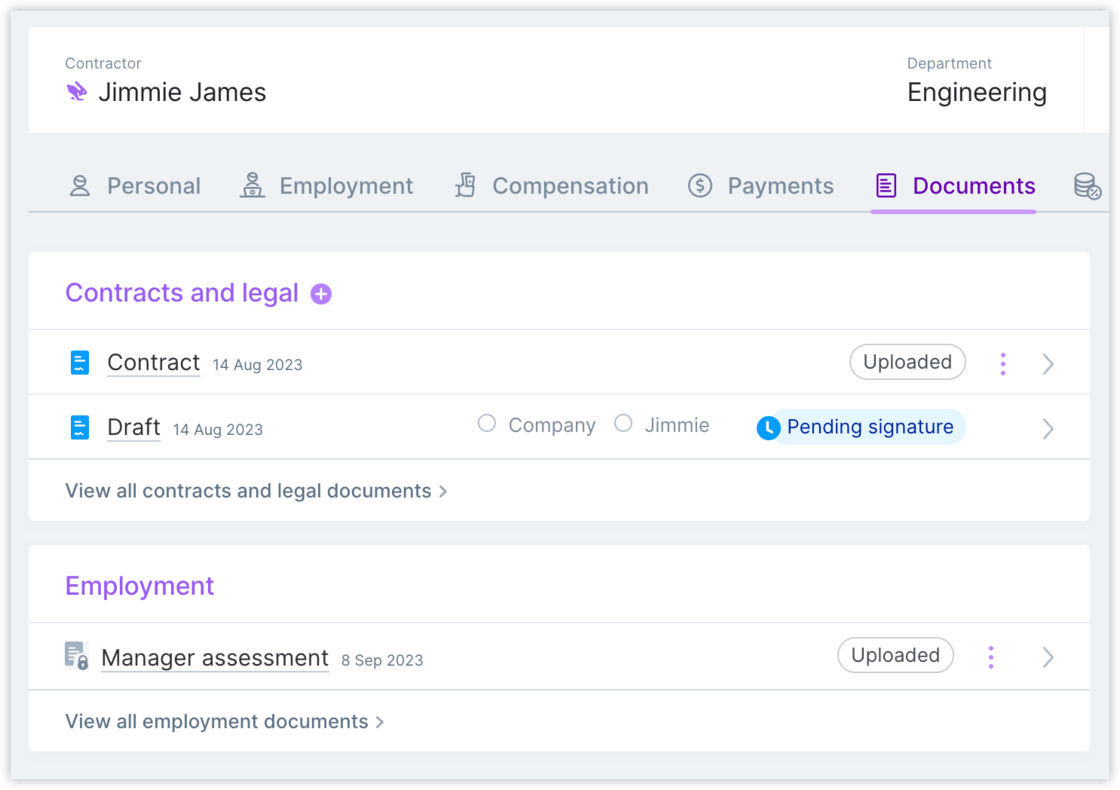
We made several improvements to the Documents tab of the Team member profile.Improvement
- We made it easier for admins to manage Plane-provided contracts by making actions more visible (e.g., discarding drafts, terminating a contract, and more)
- New visual indicators enable you to view the signature status of contracts at a glance
-
Admins can edit documents to upload new versions and set whether the team member associated with the document can view it
New default Unified payroll and HRIS experience
The default Plane experience for all new customers now includes features previously only available to beta customers.New
Existing customers that are still on the previous experience will be migrated over in the next several months.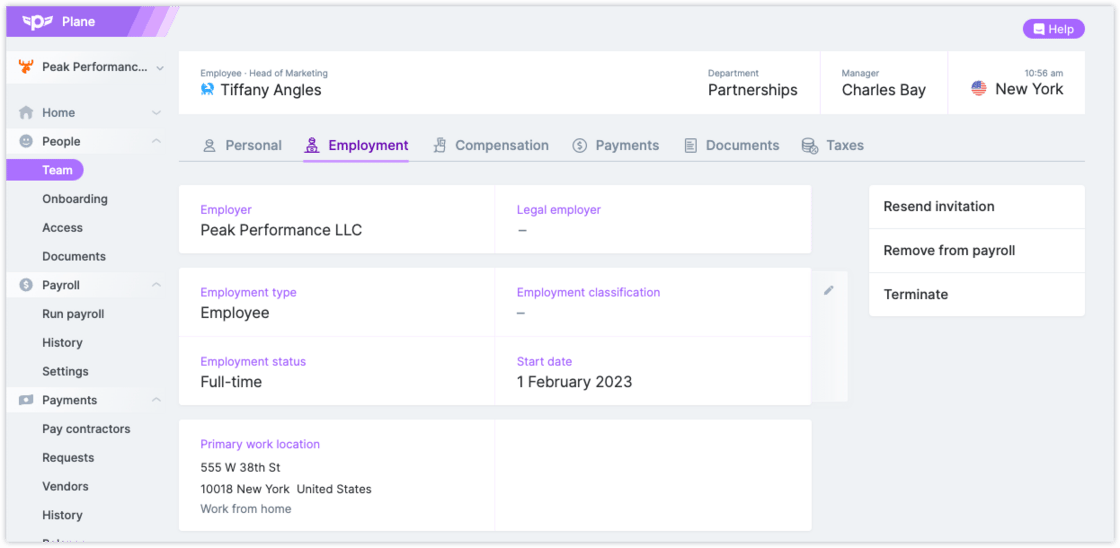
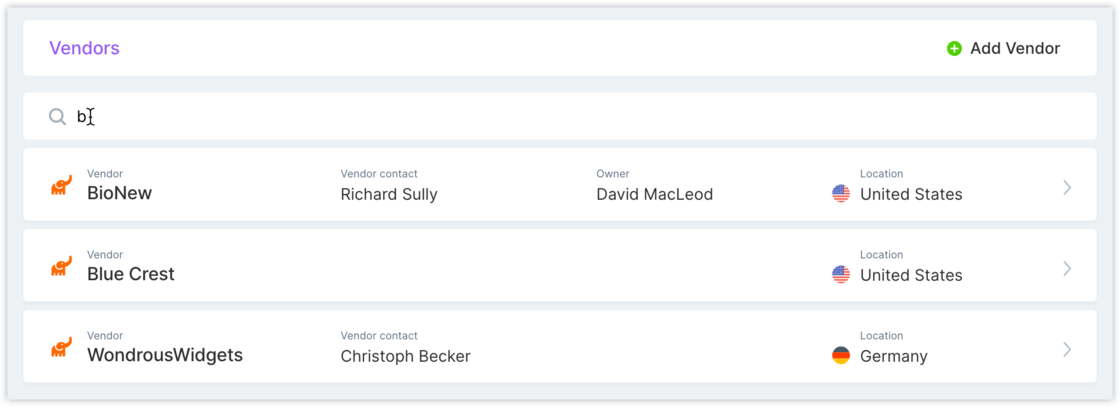
Vendor search
We added a search bar to the Vendors page so you can quickly find a vendor by name or vendor contact.Improvement
Payment request improvements
We released several improvements to payment requests.Improvement
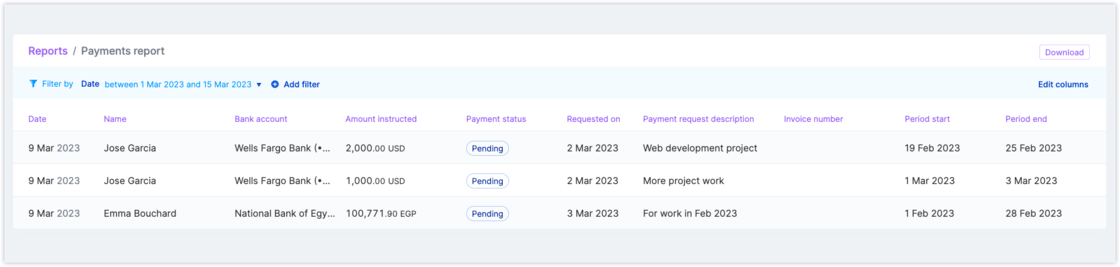
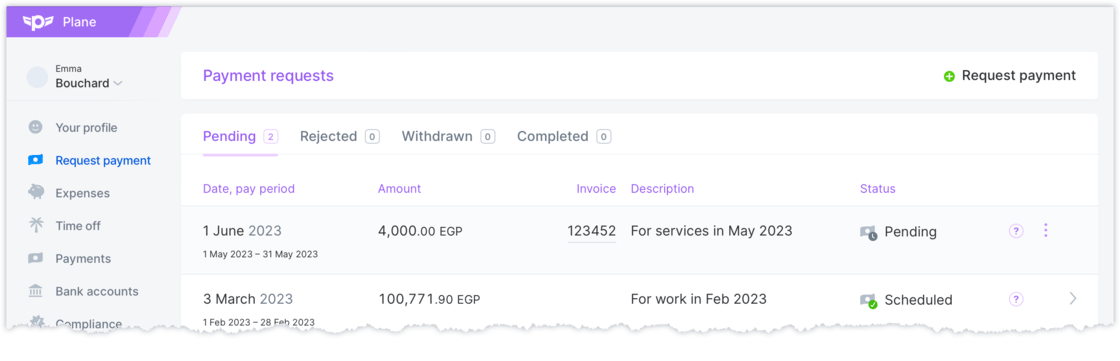
You can set up a policy to require a pay period on payment requests. Contact Support if you would like this enabled for your organization.Payment request fields can now be displayed on the Payments report.- You can choose to display payment request ID, requested on date, description, invoice number, period start, and period end
-
All fields are included when you download the report
Correction for amount debited in payroll notifications and reporting
We made a fix to Unified Payroll notifications and reporting to correct the “amount debited” value.Fix
The new Run payroll experience
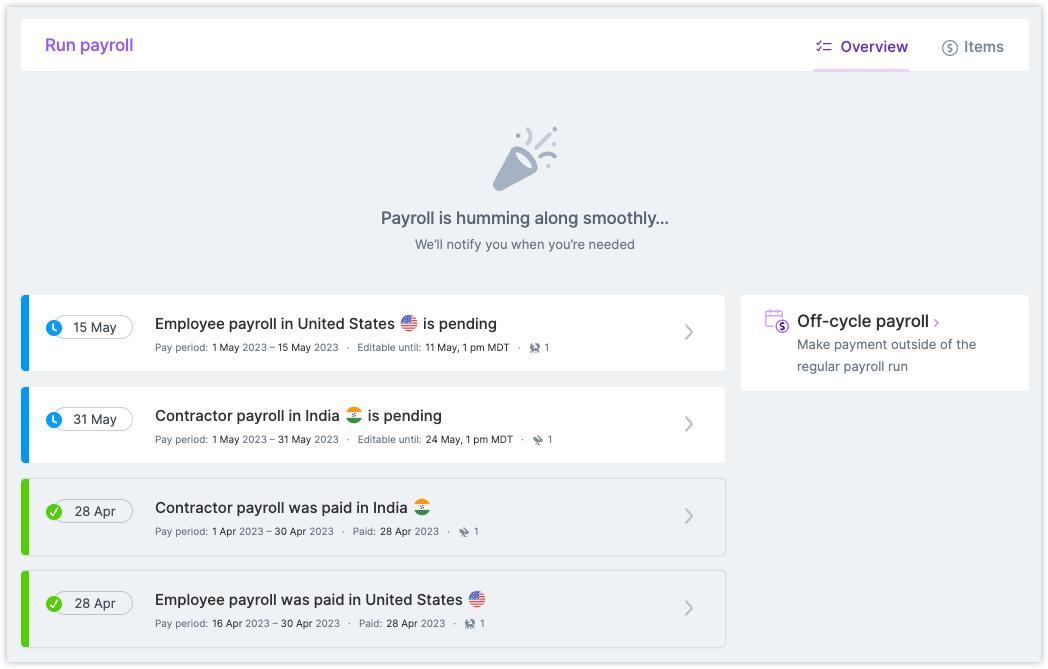
Plane’s new Unified Payroll is now available to help you streamline your recurring contractor payments. These are just some of the benefits:New
- Get better visibility into upcoming payroll runs
- Have more flexibility when making payroll changes
-
Enjoy an improved user experience
Pay schedule added to the People report
The People report now has the option to display Pay schedule as a column. This will display the currently assigned pay schedule.Improvement
The People report now has the option to display Pay schedule as a column. This will display the currently assigned pay schedule.Universal payment confirmations
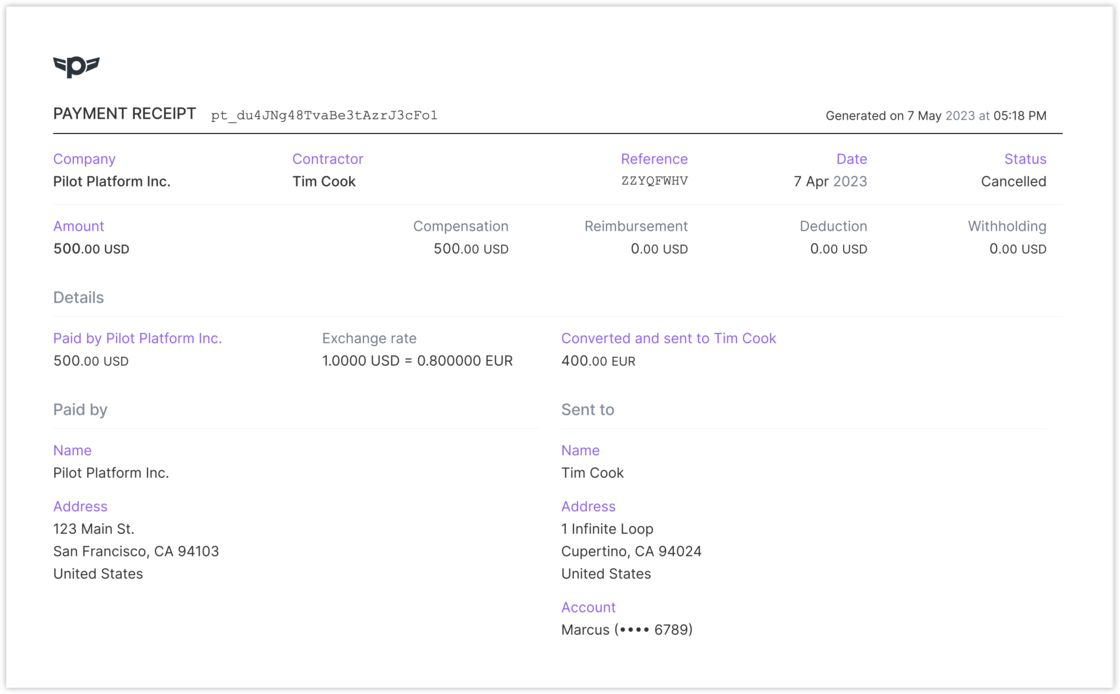
New universal receipts/confirmations are available to admins, contractors, and employees for all payment confirmations. You can download these from the moment a payment is scheduled.New
Receipts will show:- Who the payment is from and who it’s being sent to
- Breakdown between compensation, reimbursements, deductions, and withholdings
- Exchange rate used for the payment
-
What account it was sent to